
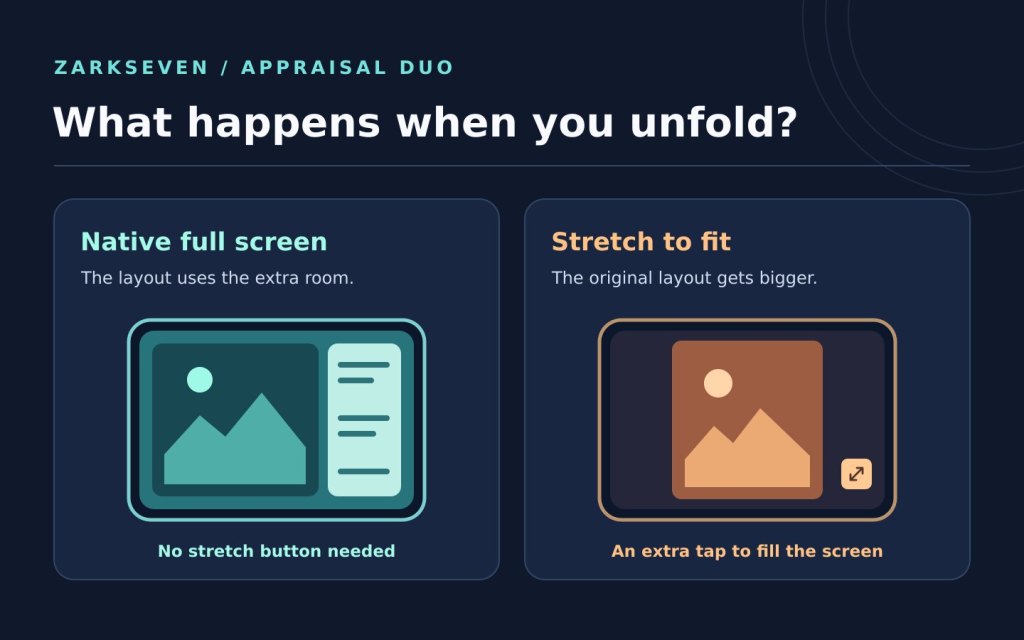
When I first fired up my iPhone Duo, I went to the App Store to see what might be released that would make use of the fold or the large screen when opened. They had once section preset with apps and games at launch, and in those I noticed a little “Made for iPhone Duo” badge up by the ratings in each listing. Great! Now how do I find more games with it? And, more importantly, how do I know a game will actually use the whole screen when I open my phone?
What the badge tells me… and what it doesn’t
Apple describes the badge as a way to spot apps optimized for the Duo. I checked Apple’s screenshot guidelines, which say that the badge appears on an app listing when a developer submits Duo screenshots. Apple’s developer guide shows how an app can resize when the phone opens, but that doesn’t mean it uses the whole screen natively. I believe that stretching the screen with the arrows in the right corner does not make it “Made for iPhone Duo.”
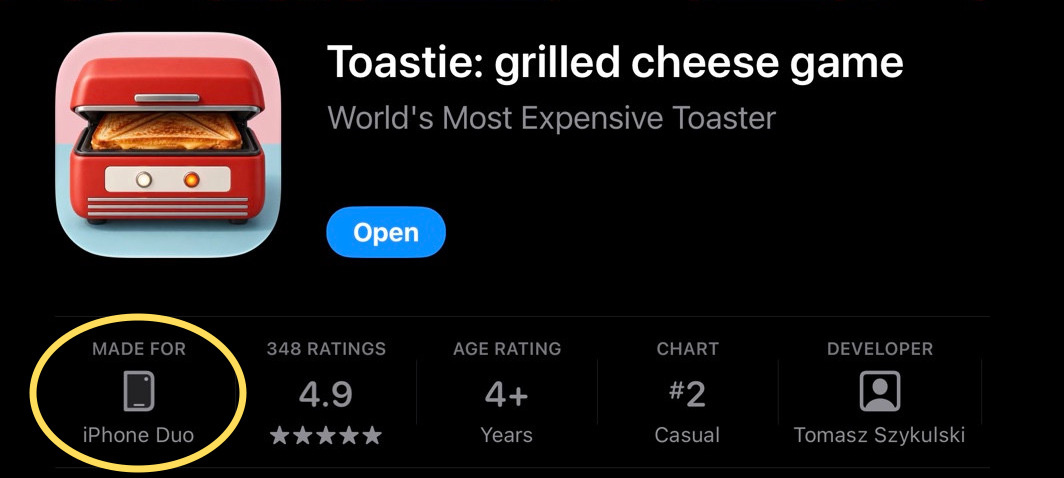
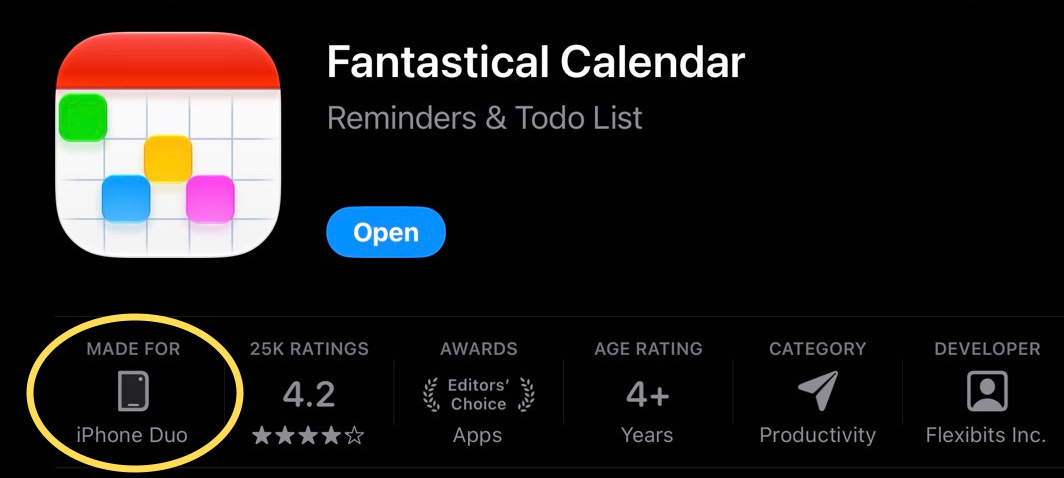
What surprised me is that the badge isn’t just for new releases. An app that’s been around for years can get the same “Made for iPhone Duo” badge after a Duo update. Toastie added folding controls around the Duo launch, while Fantastical has been on the iPhone since 2012 and added Duo support in October 2026. Both have the “Made for iPhone Duo” badge. It would have been clearer if they had made two badges, one that says “Made for iPhone Duo” and another that says “Updated for iPhone Duo.”
What I’ll be looking for in APPraisal Duo
I’ll be picking up apps and games because they already support the Duo. Once started, I want to see what that support actually adds. Does the fold do something in a game? Can I play a game on the outer screen and pick up where I left off when I open the phone? Or does it do something creative like use both the inner and outer screens.
On the inner screen, I want the app or game to fill it on its own, without tapping the arrows to stretch it. And I want to see what the game does with all that room. Does an app utilize the big screen in an intuitive way? Can I see more of the game’s playing field? Can I keep my inventory open beside the action? If it’s just a bigger view of the same thing, I’ll say so.
The grilled cheese test
Toastie was an easy first pick. Open the phone and you can see the recipe, sandwich and ingredients together while you build. When it’s time to grill, you actually close the phone. Open it again and see how you did. I’d have played a grilled cheese game on a regular iPhone, but I wouldn’t have felt like I was holding the toaster.
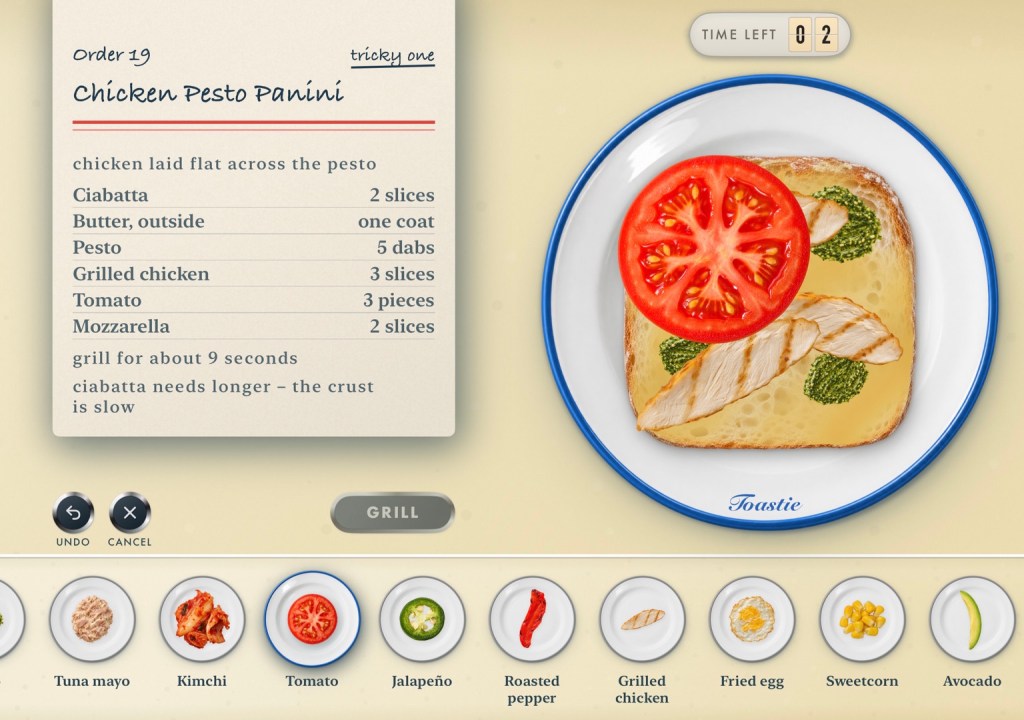
That’s the kind of thing I’m looking for in this series. A game doesn’t have to turn the hinge into a button to make good use of the Duo. I’d be just as happy with an RPG that lets me keep the map open without covering up the dungeon. I’d like to see an app that does something unique yet intuitive with all of that screen real estate. In the meantime, here’s my full Toastie review.
Have you found a game that fills the inner screen without tapping the arrows? Let me know what it is and what it does with the extra space.


Leave a Reply