“Hey Zark, how do you get those social bookmark buttons at the bottom of your blog posts?”
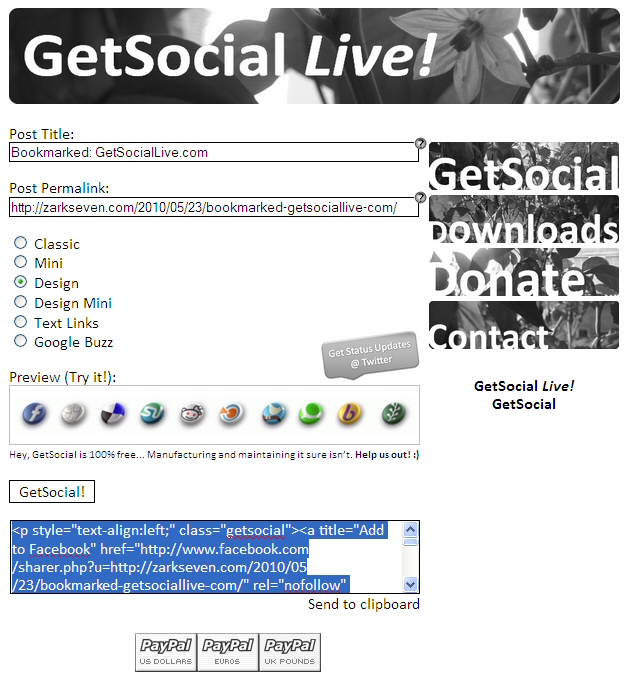
I get asked this quite frequently. I use WordPress.com, which has worked great for me, but the social bookmark button concept is not something they have built-in. That’s why I’ve bookmarked GetSocialLive.com, which does the heavy lifting for me. Once I have a post set up, I can go to the site and paste in the post’s title and URL, and choose a button style, and the site will automatically generate the social button bookmark html code for me. Pasting that at the bottom of my post’s html page gives me a nice social bookmarking buttons for people to use. There are a variety of designs to choose from, such as:


Add to: Facebook | Digg | Del.icio.us | Stumbleupon | Reddit | Blinklist | Twitter | Technorati | Yahoo Buzz | Newsvine

Originally, creator Hillel Stoler wrote GetSocial as Windows software. He expanded that cross-platform with a web-based version called GetSocial Live!, which is what I use all the time. Both were created by Stoler for free for the WordPress.com community. If you find either useful, give him a donation as thanks, and let me know what you think!
What else have I Bookmarked? Click and find out.






Leave a Reply